
Sending & SMTP
Connect an SMTP provider to FreddyMail
The SMTP Setup tab defines how WordPress mail is delivered. Standard SMTP is universal; API providers give clearer error responses and more control at higher volumes.
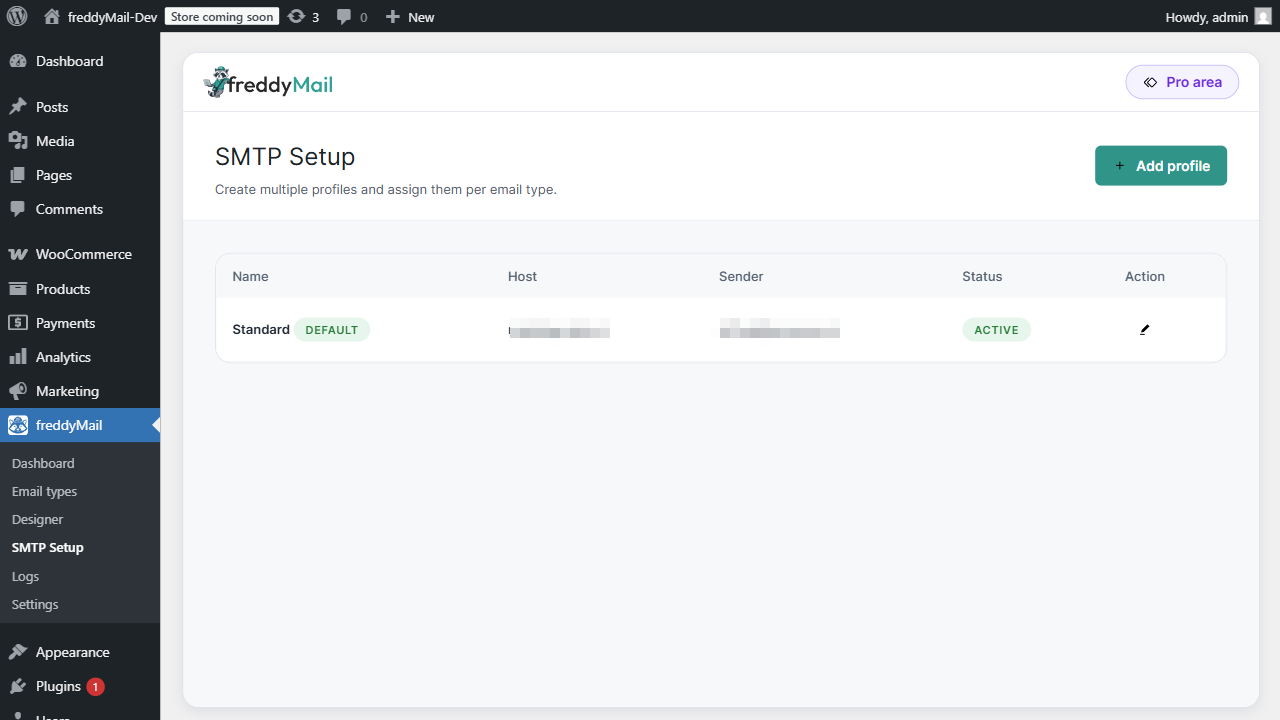
Which provider fits?
| Provider | Best for | Typical fields |
|---|---|---|
| Standard SMTP | Small and medium WordPress sites. | Host, port, encryption, username, password, sender. |
| SendGrid | Scalable API delivery, clear error responses. | API key, verified domain, SPF/DKIM. |
| Mailgun | Domains, routing and diagnostics. | API key, domain, region, DNS. |
| Brevo | Business transactional setups with CRM proximity. | SMTP login or API key, verified sender. |
| Amazon SES | High volume and AWS-native setups. | Region, IAM/API access, verified identities. |
Provider-specific setup
- Enter the Host and Port from your mail provider (often
smtp.yourhost.tldwith port 587 or 465). - Set Encryption to STARTTLS (587) or SSL/TLS (465).
- Username is typically the full mail address; Password is the mailbox or app password.
- Set Sender name and Sender address. The domain must match your brand.
- Save and send a test email.
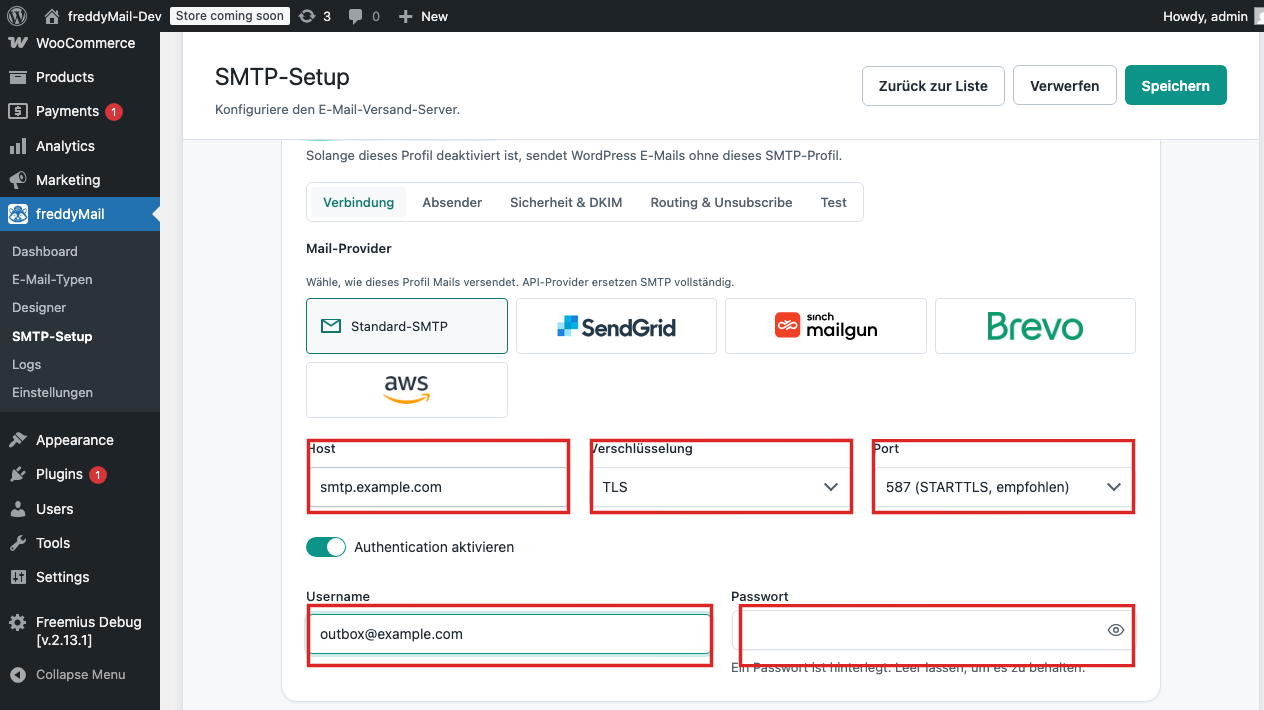 Annotated
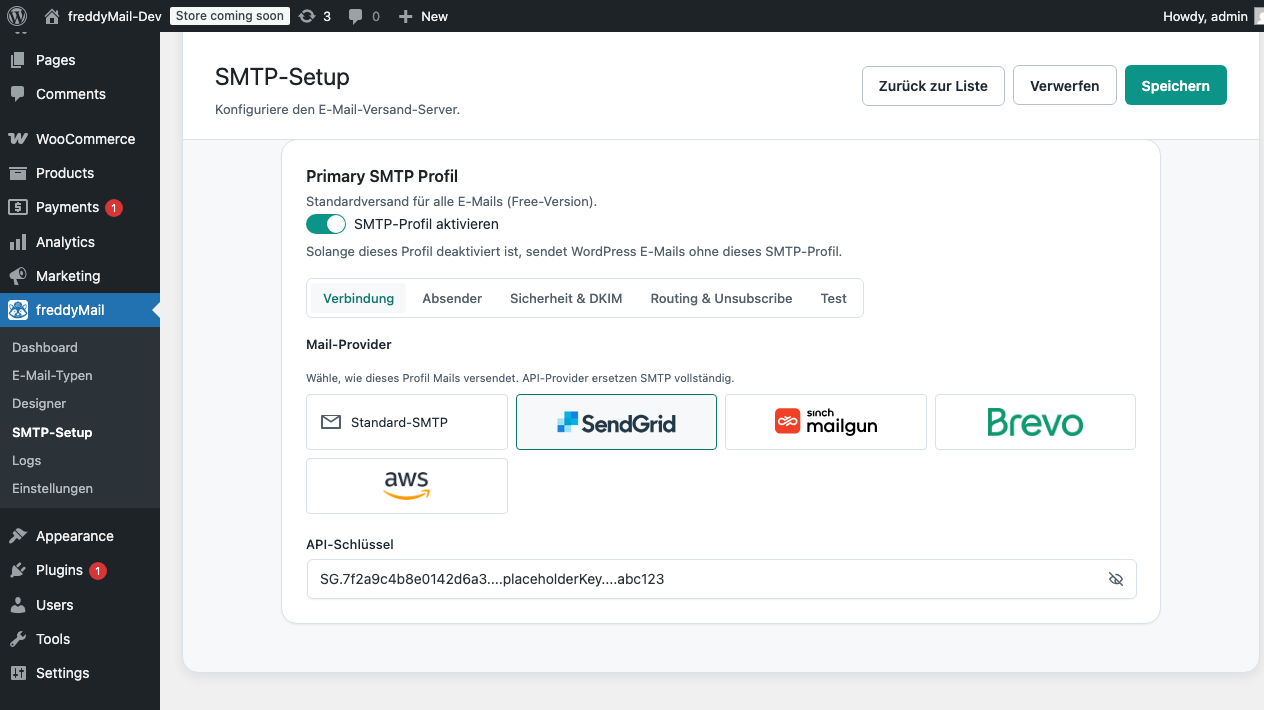
 - In SendGrid, create an API Key with the Mail Send permission.
- Verify your Sender Identity (Single Sender or Domain Authentication) in SendGrid.
- In FreddyMail SMTP Setup, paste the API key and set the sender.
- Apply the SPF + DKIM records from SendGrid at your domain host.
- Save and send a test email.
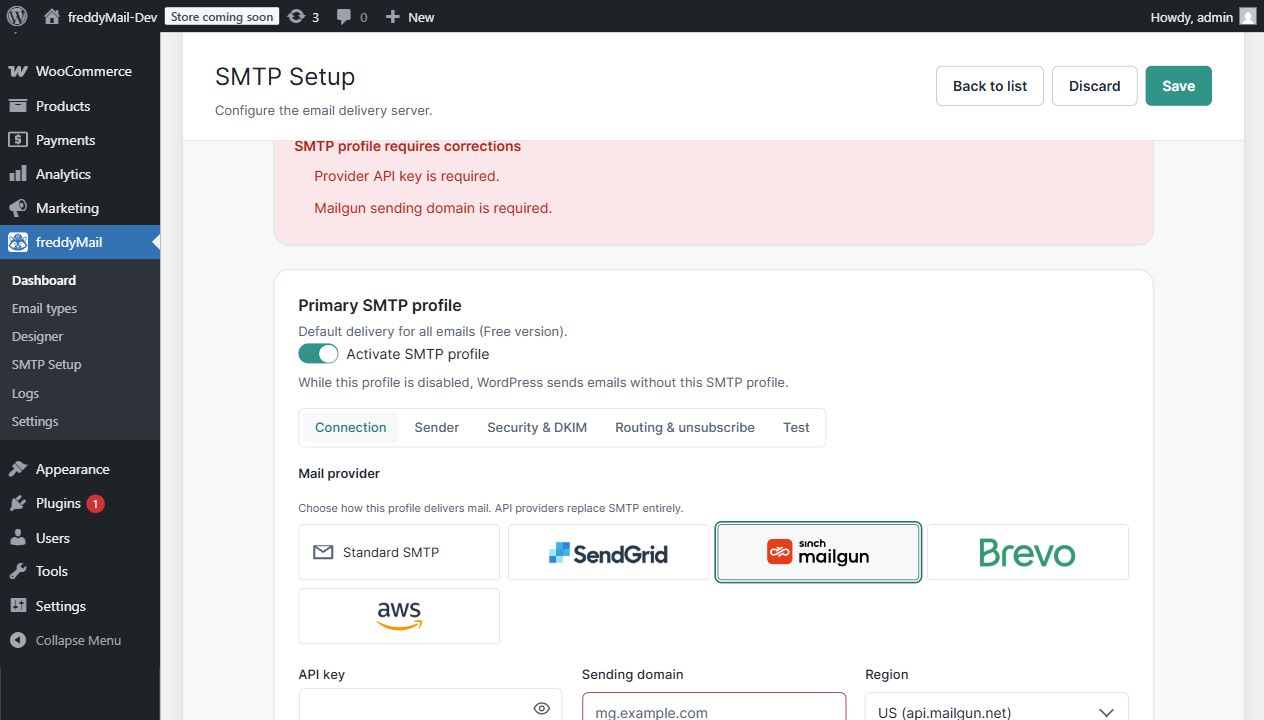
- Create a Domain in Mailgun and apply the DNS records at your domain host.
- Note the API key and Region (US or EU).
- In FreddyMail, enter API key, domain and region.
- Use a sender address that matches the Mailgun domain.
- Save, send a test email and cross-check in the Mailgun log.
- In Brevo under SMTP & API, create an API key or SMTP credentials.
- Verify the sender in the Brevo senders area.
- In FreddyMail, enter credentials and sender.
- Apply SPF + DKIM from Brevo at your domain host.
- Save and send a test email.
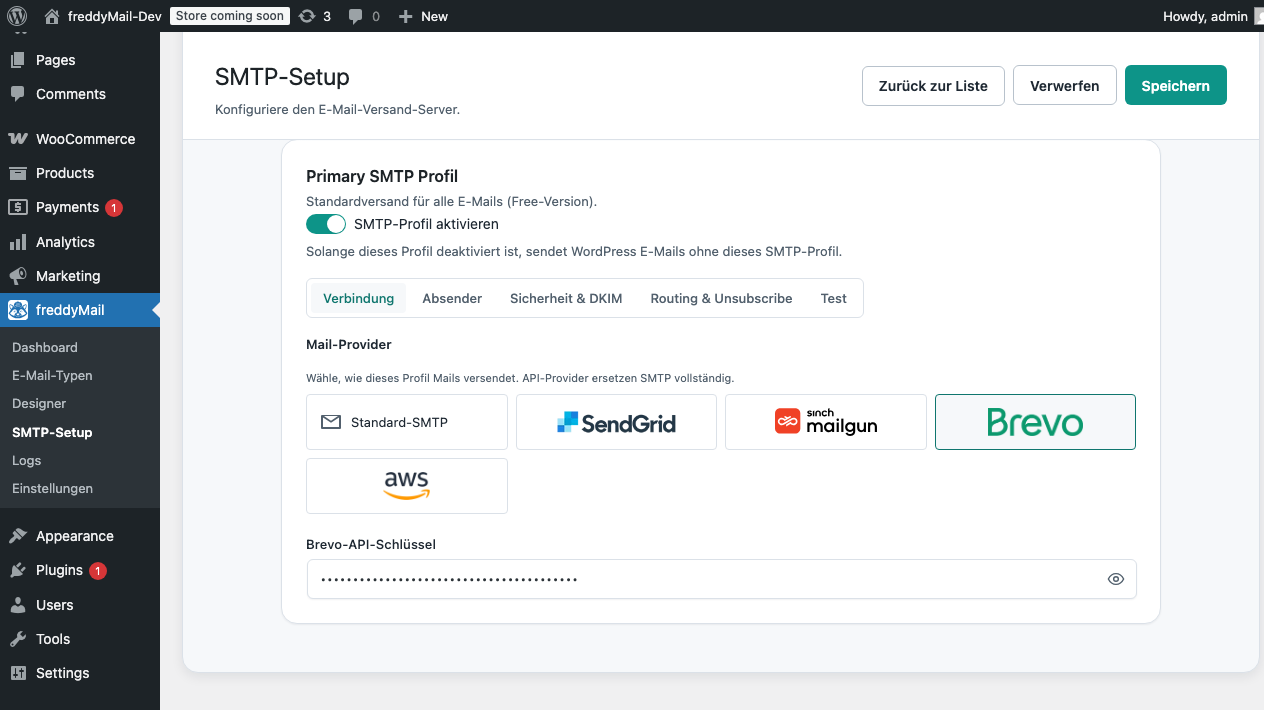
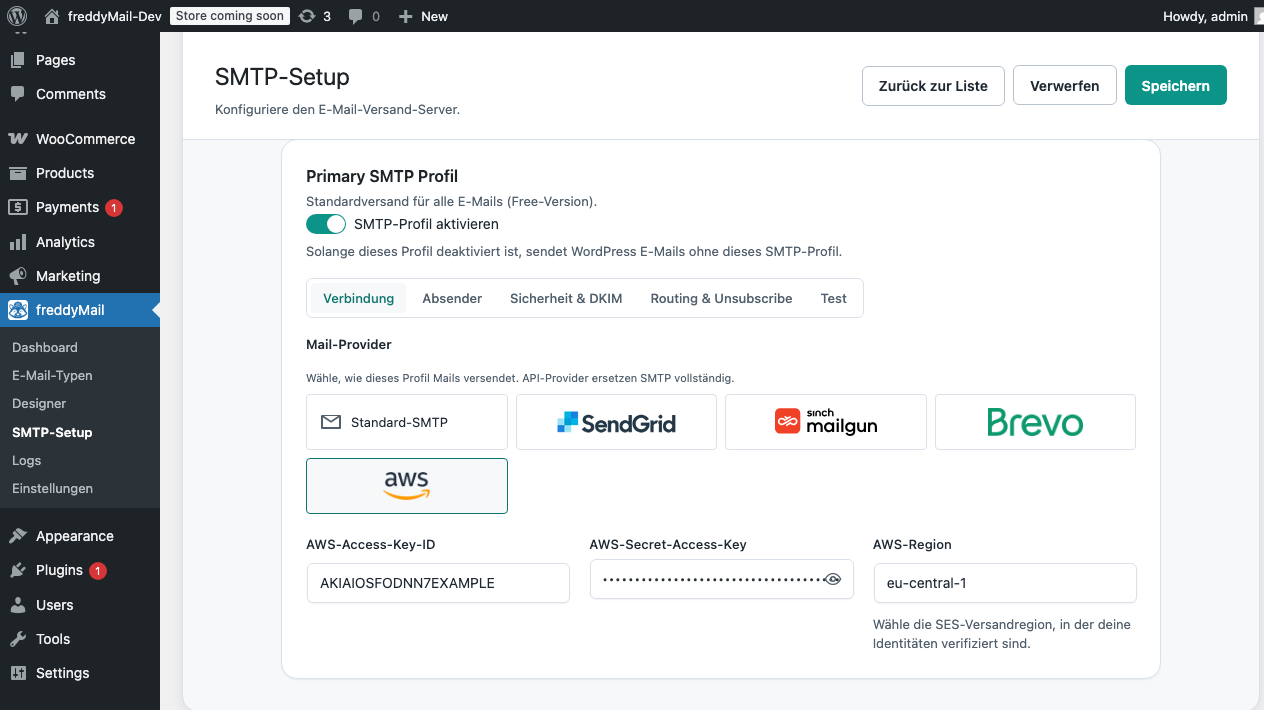
- Enable SES in your AWS account and pick the right Region (for example
eu-west-1). - Verify the sender domain in SES and add SPF + DKIM at your domain host.
- Create an IAM user with SES send permission. Note Access Key and Secret.
- In FreddyMail, enter region, access key, secret and sender.
- Before going live, request sandbox release in AWS.
Send a test email
- After saving, click Send test mail.
- Enter a recipient (preferably an external Gmail or Outlook mailbox).
- Wait for the green success toast.
- Check the inbox: sender, subject, headers (SPF, DKIM, DMARC).
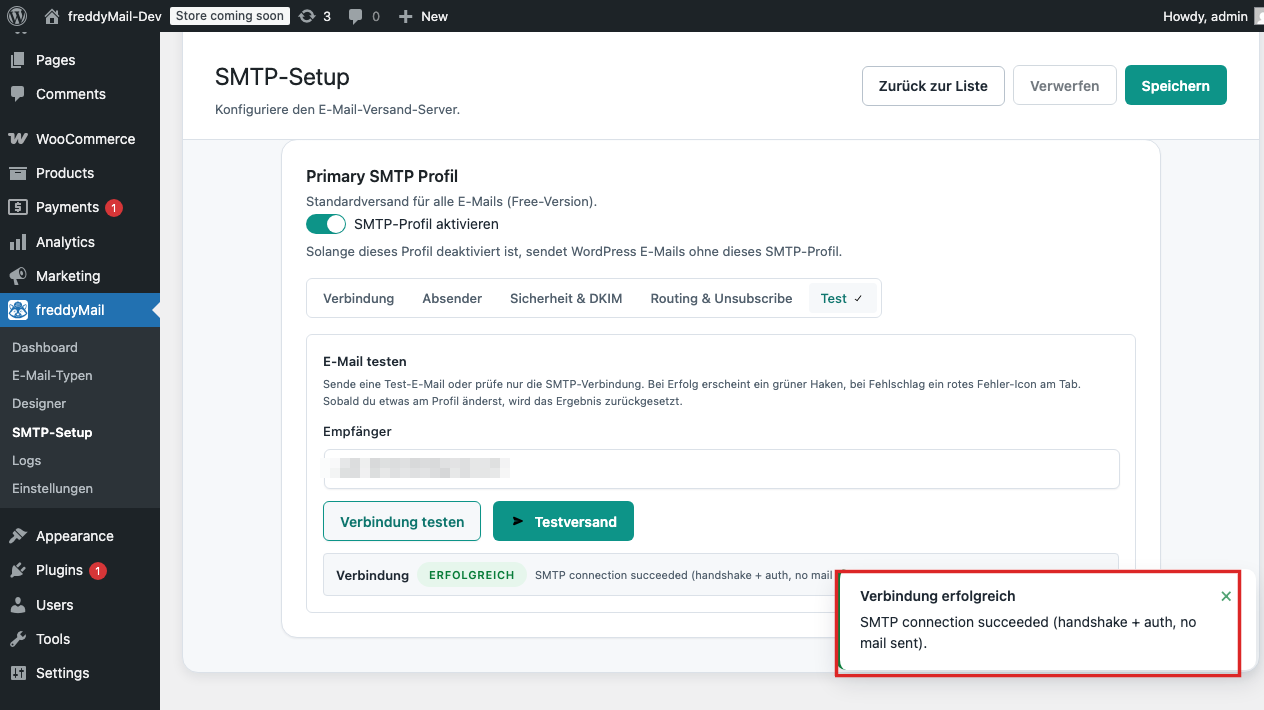 Annotated
 Delivery rules
- The sender domain should match the website or brand.
- SPF authorizes the provider to send for the domain.
- DKIM signs messages and improves recipient trust.
- DMARC tells receivers how to handle unauthenticated mail.
- API keys belong in the WordPress backend — never in frontend theme code.